Orders in, tracking back.
Give every clean order a direct route from storefront to warehouse, while incomplete orders wait in a visible exception lane.
- Store order intake
- Exception lane
- Tracking sync
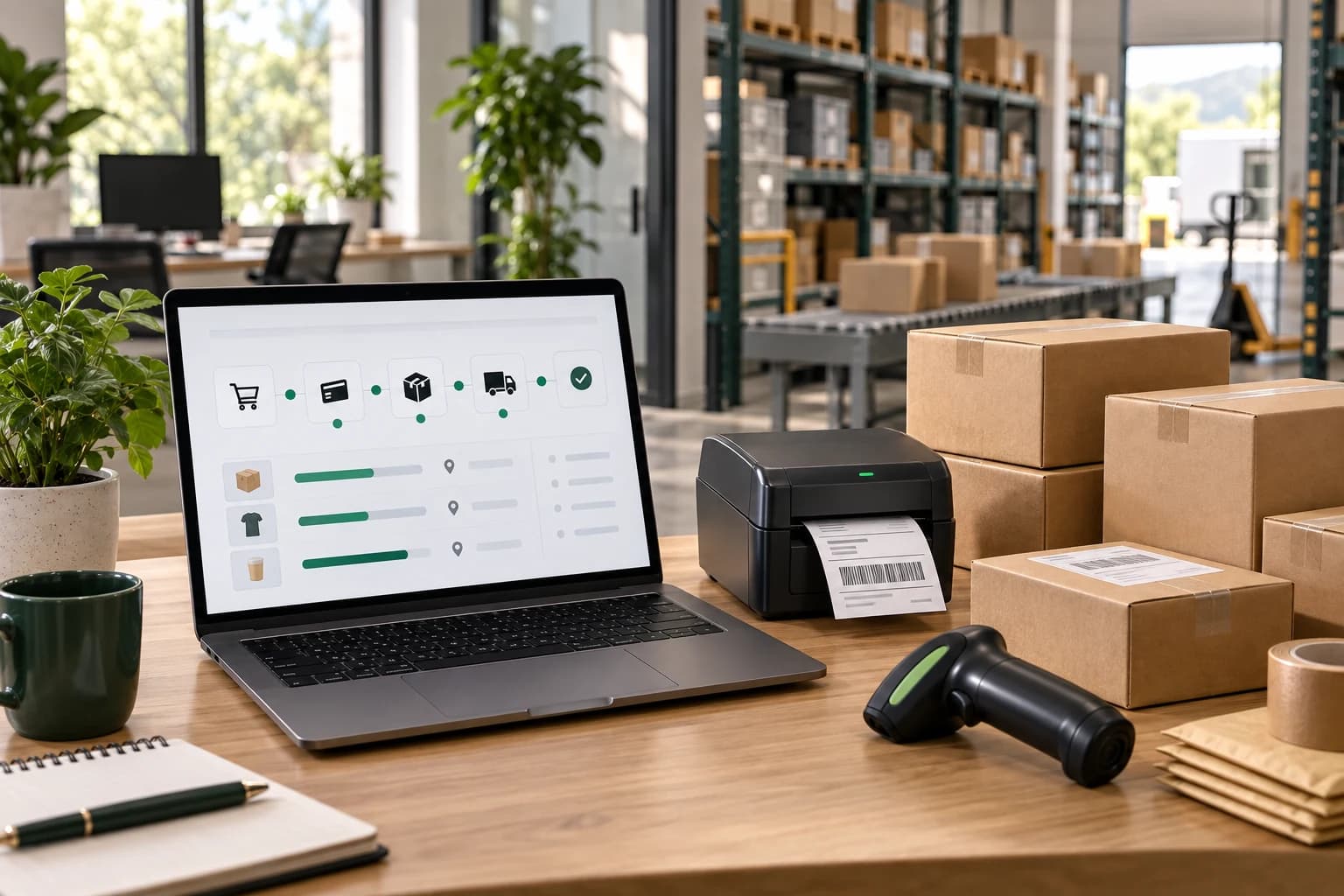
Define the order route.
The setup separates normal order movement from decisions that still need a person.
Platform access
Review the store, order fields and available connection method.
SKU route map
Match product and variant identifiers to warehouse inventory.
Validation rules
Define address, shipping, bundle and packaging requirements.
Exception queue
Hold incomplete or unusual orders with a visible reason.
Warehouse release
Send approved orders into picking, packing and dispatch.
Tracking sync
Return available carrier and tracking data to the store or team.
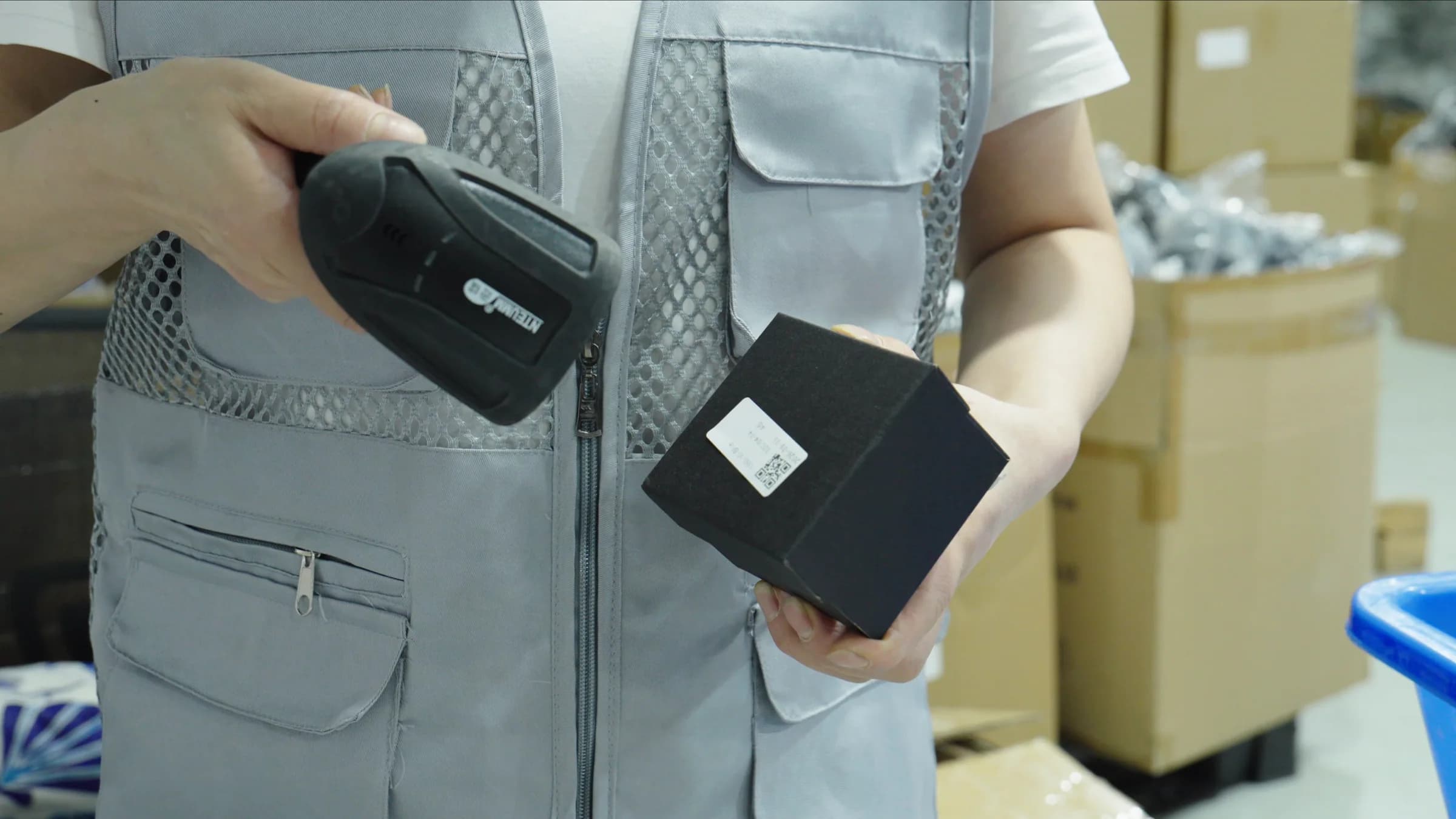
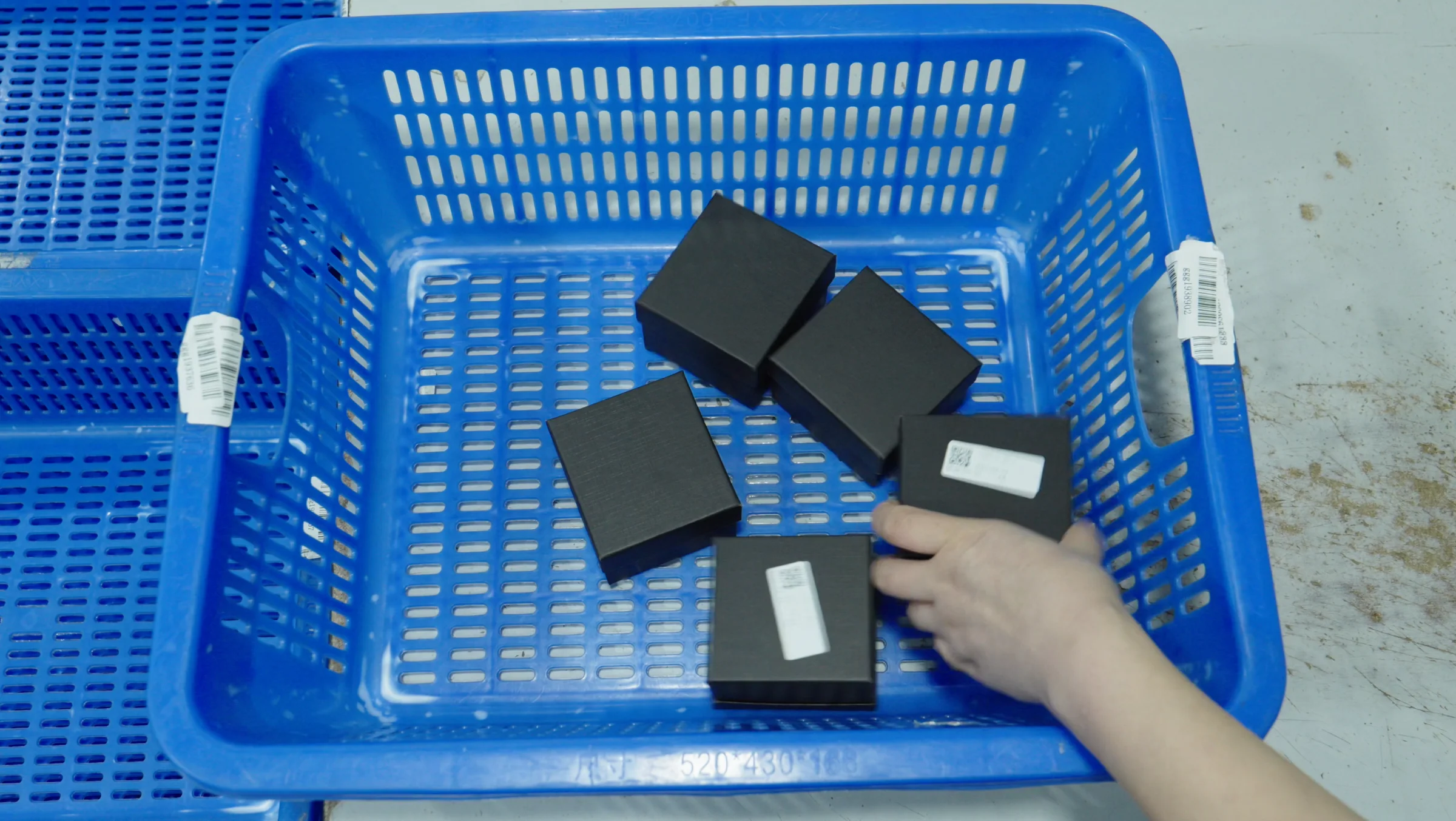
Orders ready to move.
Fast lane
Orders with mapped SKUs and complete fields can move without manual chasing.
Hold lane
Orders with missing details stay visible before they reach packing.
Sync lane
Released orders keep tracking and store status aligned after handoff.
| Signal | Status | Action | Output |
|---|---|---|---|
| New order | Mapped | Release | Ready |
| Address | Missing | Hold | Review |
| Shipped | Valid | Sync | Tracking |
Clean orders take the fast lane.
Normal orders move in one direction. Exceptions split out early so they do not block or corrupt the daily flow.
Mapped SKUs
Variants connect to warehouse inventory before launch.
Clean validation
Required customer, address and product fields are checked.
Visible holds
Missing data waits with a clear reason.
Tracking return
Shipment updates move back through the agreed channel.
Keep exceptions in their own lane.
A paused order should explain what is missing, who decides next and whether the warehouse can proceed.
- 01
Missing data
Address, SKU, variant or shipping fields need correction.
- 02
Rule conflict
Bundle, packing, destination or inventory rules need review.
- 03
Human decision
The team confirms the fix before warehouse release.
- 04
Clean return
Tracking sync continues once the order is dispatched.
Most orders could move quickly, but SKU mismatches, address gaps and bundle notes needed a controlled pause before fulfillment.
- 01
Map SKUs to warehouse records
SKU map
- 02
Split exception reasons early
Exception list
- 03
Return tracking through one handoff
Test-order results
THE EXCEPTION-SAFE ROUTERepeatable orders move through a clean route while exceptions pause with enough context for a human decision.
Questions about Automatic Order Fulfillment?
The exact scope depends on your product, markets, volume and customer promise.
Which platforms can be connected?+
Workflows can be planned for Shopify, WooCommerce, TikTok Shop, Amazon, Etsy and custom stores depending on available access.
Is an API required?+
Not always. Some businesses can begin with a structured order export before moving to a deeper integration.
What happens when order data is incomplete?+
The exception process should pause the order and request the missing decision before fulfillment.
Can tracking be sent back automatically?+
Tracking feedback can be planned where the store or integration method supports it.

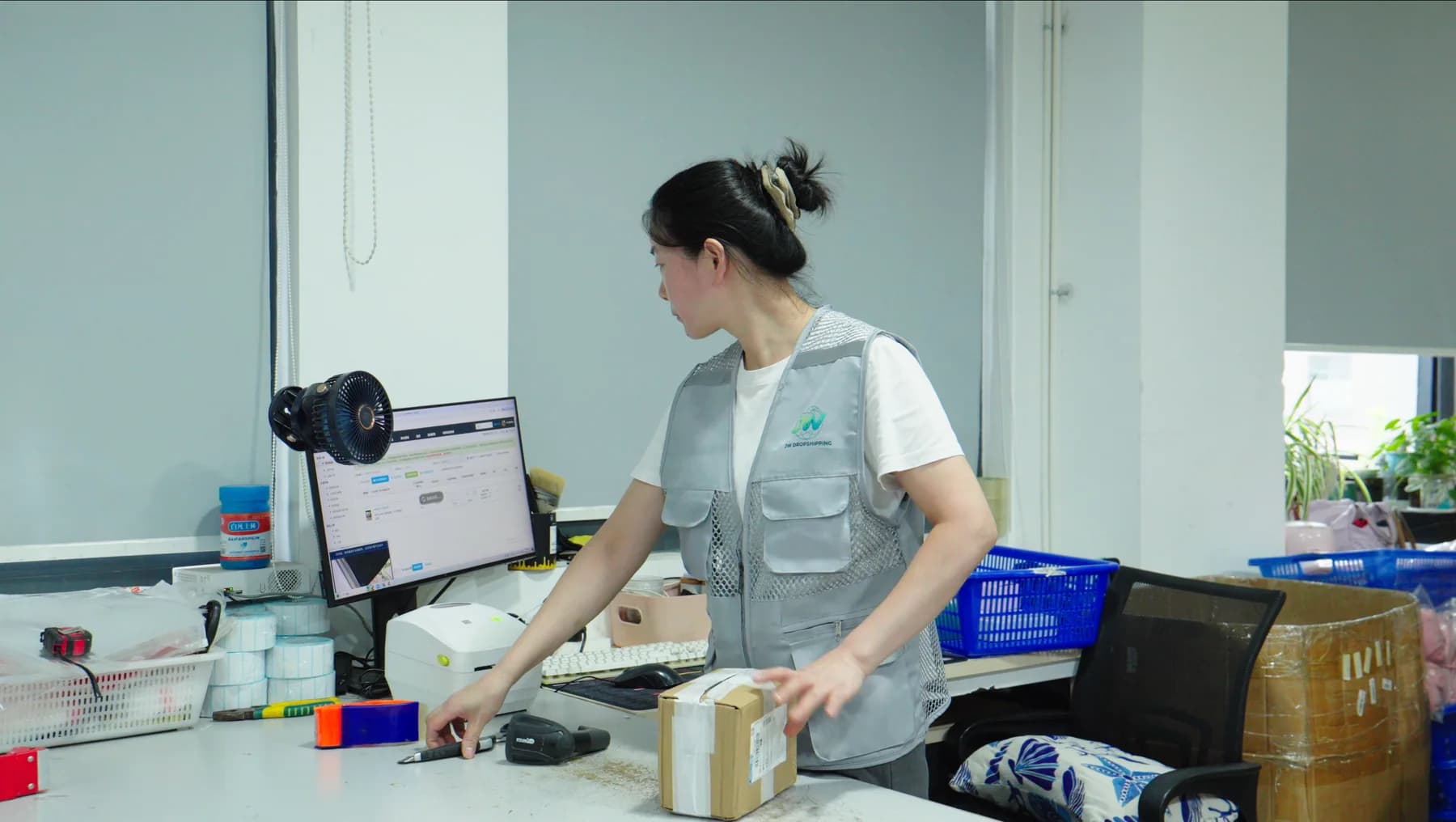
Map your order lane
Tell us where orders start, what data is missing today and how tracking should return after dispatch.
Store fields, SKU records and hold rules make the automatic route easier to test before launch.